
- Operating system
- Windows 10 & 11
- Processors
- Intel & AMD
- Inbuilt spoofer
- No
- Game
- Rust
Demonity's AI-assisted Rust cheat runs object detection on the game frame and turns what the AI sees into a smooth aim track and a confidence-gated trigger bot. No in-game memory read, no injection — a separate program that watches your screen and moves your mouse.
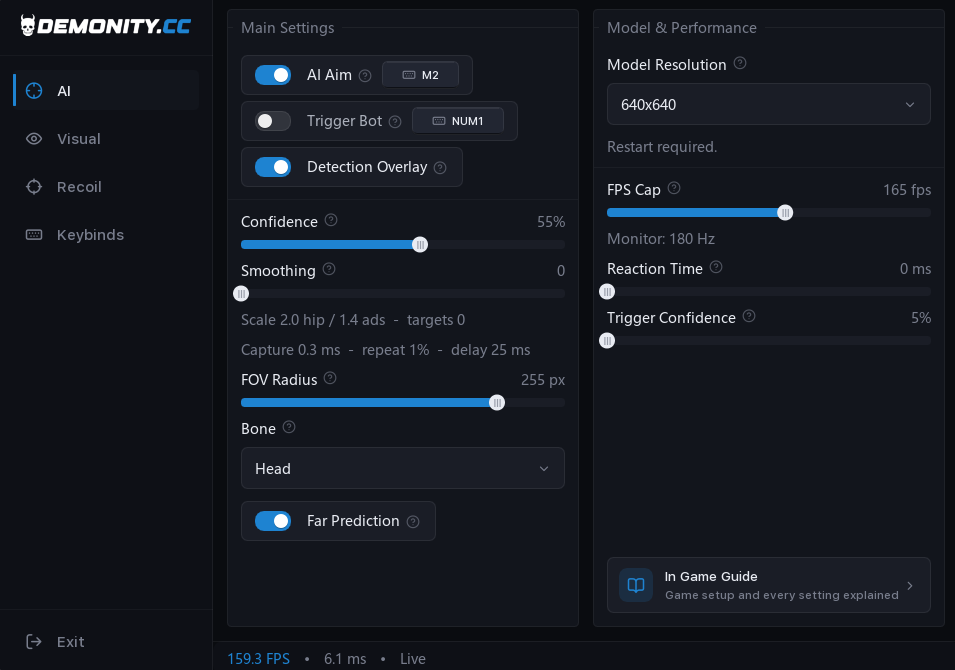
AI Main
- AI Aim — automatic aim assist on/off (key: Middle Mouse Button)
- Trigger Bot — fires when the crosshair sits on a target (key: NUM1)
- Detection Overlay — real-time AI target detections on screen
- Confidence Slider — minimum accuracy threshold for detection
- Smoothing Slider — snappy to smooth aim movement
- FOV Radius Slider — circular scan area for target acquisition
- Bone Selection — body part to aim at (e.g. Head)
- Far Prediction — predicts and adjusts aim for distant moving targets
Model & Performance
- Model Resolution — input resolution for the AI model
- FPS Cap Slider — limits the software's frame rate
- Reaction Time Slider — trigger bot reaction delay in milliseconds
- Trigger Confidence Slider — detection precision required for the trigger bot to fire
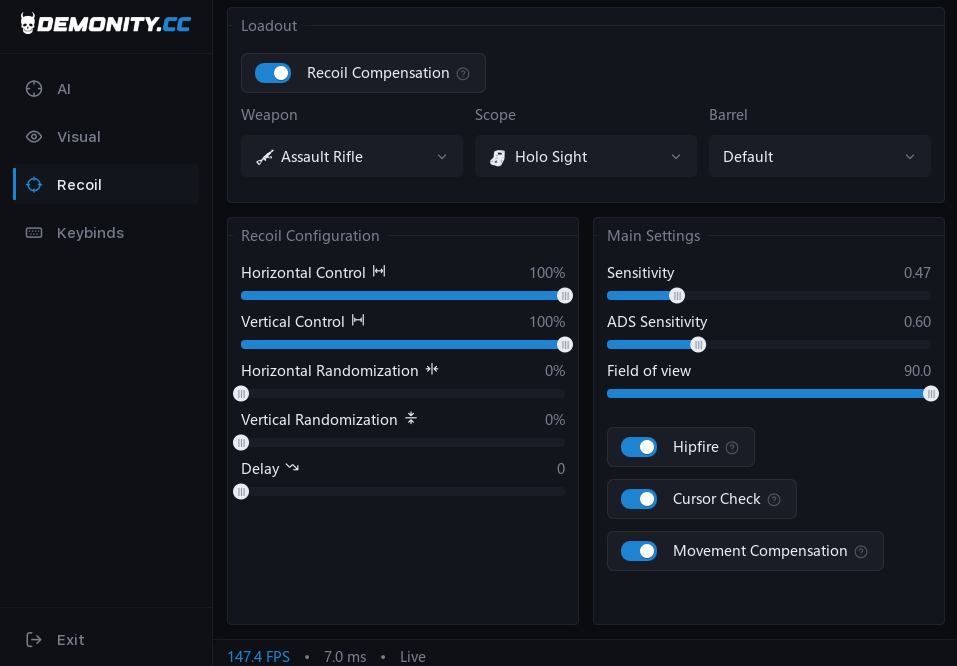
Recoil Loadout
- Recoil Compensation — master on/off
- Weapon profile (e.g. Assault Rifle)
- Scope (e.g. Holo Sight)
- Barrel (e.g. Default)
Recoil Configuration
- Horizontal Control Slider — up to 100%
- Vertical Control Slider — up to 100%
- Horizontal Randomization Slider
- Vertical Randomization Slider
- Delay Slider — reaction delay before compensation kicks in
Recoil Main
- Sensitivity Slider — match your in-game sensitivity
- ADS Sensitivity Slider — match your aim-down-sights sensitivity
- Field of View Slider — match your in-game FOV
- Hipfire Toggle — compensate during un-aimed firing
- Cursor Check Toggle — pause while a UI menu is open
- Movement Compensation Toggle — extra recoil while moving
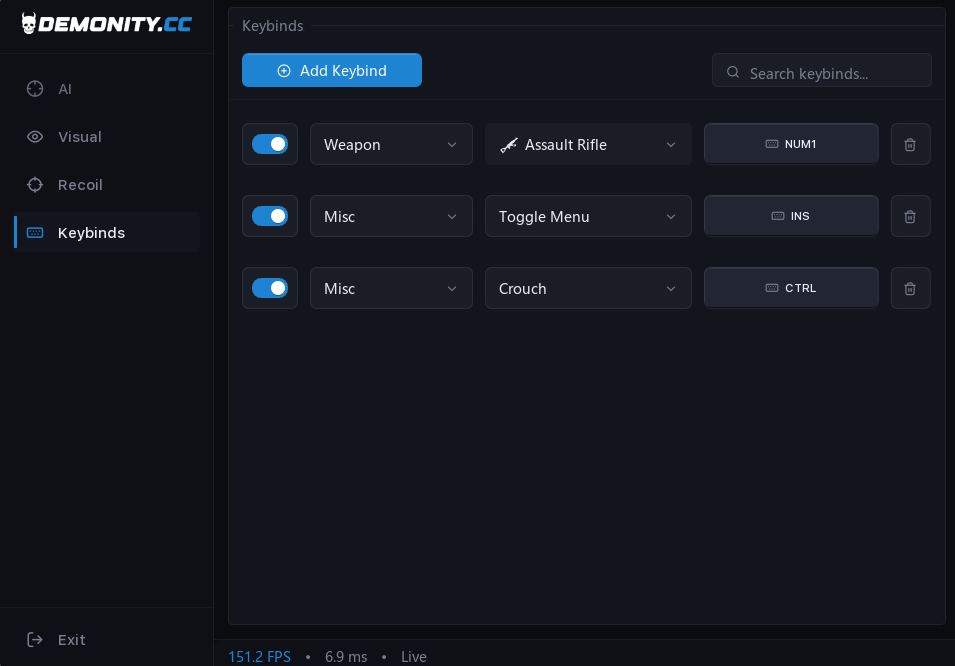
Keybinds
- Add Keybind — custom hotkeys for features
- Delete Keybind
- Search Keybinds
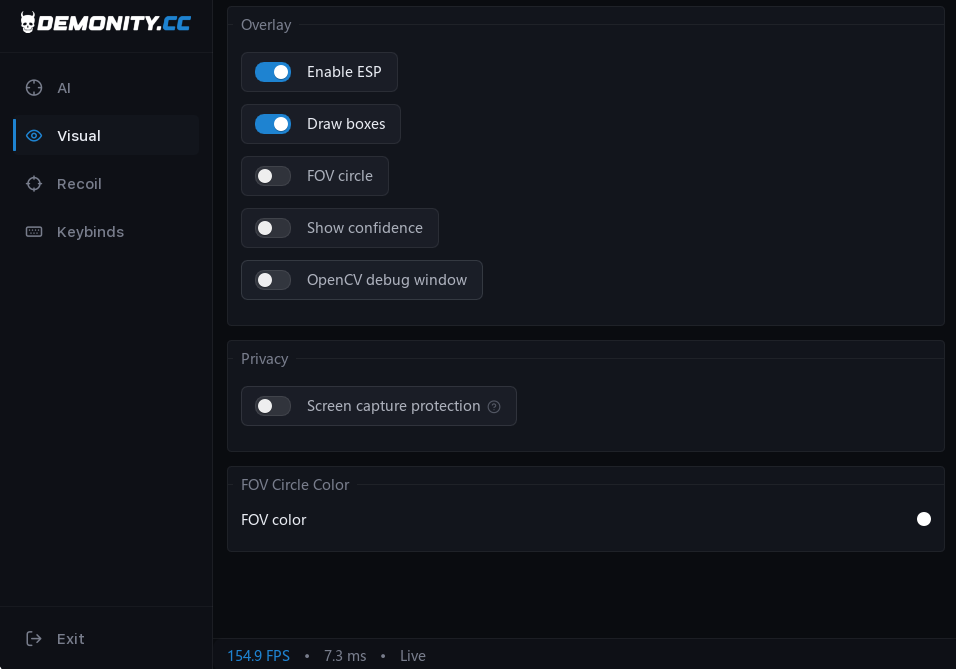
Visuals
- Enable ESP — master toggle for player ESP
- Draw Boxes — bounding boxes around targets
- FOV Circle — AI targeting radius on screen
- Show Confidence — detection percentage per target
- OpenCV Debug Window — background processing debug view
- FOV Circle Color — color picker
Privacy
- Screen Capture Protection — hides overlays during recording or streaming
No customer reviews yet
Once you have bought this product you can leave the first review right here.
Delivery is instant. Your licence key appears under My Orders as soon as payment completes, and is emailed to you as well.
Credit cards, bank transfers and cryptocurrencies are handled at checkout. For PayPal, join our Discord and our team will assist you.
Follow the setup guide, or reach our team 24/7 on Discord.
Does your game look washed out?
Flat colours and heavy fog hide players in the shadows. Vision Enhancer re-grades the picture while you play — brighter nights, cleaner colours, sharper edges — so you spot them first.
- Brighter nights without the washed-out haze
- Stronger contrast and cleaner colour separation
- Runs alongside your script — nothing to re-configure